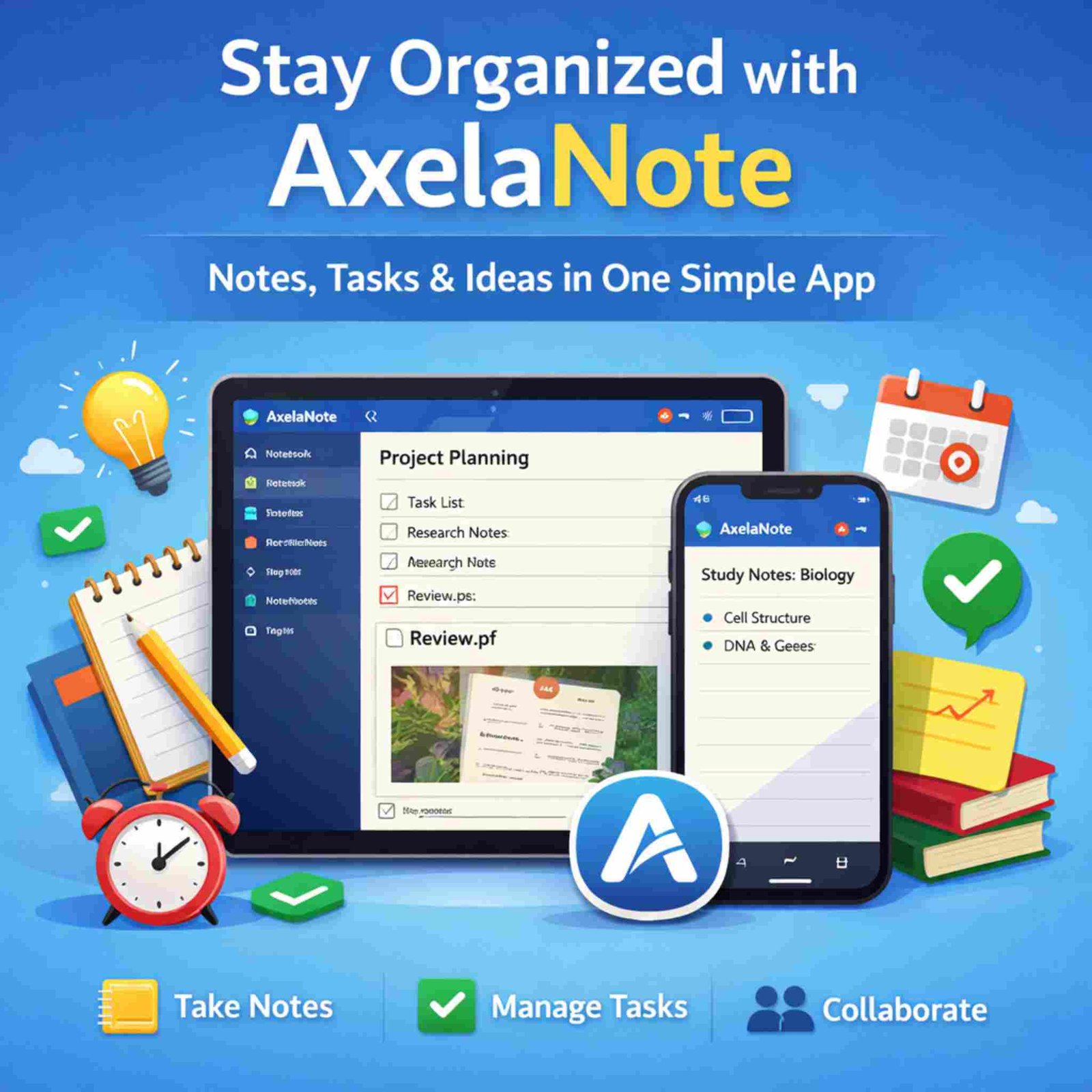
Today, we deal with a lot of information every day. We take notes in class, write ideas at work, save links, and try to remember many small details. When notes are spread across many apps or notebooks, it becomes hard to stay organized. This can lead to stress and wasted time.
AxelaNote is a digital note app made to help people keep all their notes, ideas, and tasks in one place. It helps you write notes, organize them, and find them later. You can use it for study, work, or personal life. This guide explains AxelaNote in simple words, using lists and tables to make it easy to understand.
What Is AxelaNote?
AxelaNote is an app for taking notes and managing information. It helps you:
-
Write notes
-
Organize notes
-
Find notes quickly
-
Turn notes into tasks
-
Share notes with others
You can use AxelaNote on different devices, so your notes stay with you wherever you go.
Who Can Use AxelaNote?
AxelaNote is useful for:
-
👩🎓 Students
-
👨💼 Office workers
-
✍️ Writers and bloggers
-
🔬 Researchers
-
👥 Small teams
Main Uses of AxelaNote
People use AxelaNote in many ways. Here are the most common ones:
1. Daily Note-Taking
You can use AxelaNote to:
-
Write daily notes
-
Save ideas
-
Keep a journal
-
Write reminders
2. Study and Learning
Students can use AxelaNote to:
-
Save class notes
-
Write study points
-
Prepare for exams
-
Store research
3. Work and Projects
At work, AxelaNote can help you:
-
Write meeting notes
-
Plan projects
-
Track tasks
-
Save work ideas
4. Task Lists
You can turn notes into tasks:
-
Create to-do lists
-
Set due dates
-
Track what is done
-
Plan your day
5. Document Notes
You can also:
-
Add notes to documents
-
Write comments on files
-
Keep your notes separate from the original file
Key Features of AxelaNote
Here are the main features of AxelaNote, explained in a simple way:
🗂️ Organizing Notes
AxelaNote helps you keep notes neat:
-
Notebooks and folders
-
Sub-notebooks
-
Tags (labels for notes)
-
Search tool to find notes
✍️ Writing Tools
You can write notes easily:
-
Simple text editing
-
Headings and lists
-
Checklists
-
Ready-made note templates
⏰ Task and Reminder Tools
AxelaNote helps you remember things:
-
Set reminders
-
Add due dates
-
Turn notes into tasks
-
Track progress
👥 Sharing and Team Work
You can work with others:
-
Share notes
-
Work in shared spaces
-
Control who can edit notes
☁️ Sync and Backup
Your notes are safe and easy to access:
-
Use on phone, tablet, or computer
-
Notes sync across devices
-
Cloud backup
How AxelaNote Works (Simple Steps)
| Step | What You Do | Why It Helps |
|---|---|---|
| 1 | Write a note | Save your ideas and info |
| 2 | Organize it | Use folders and tags |
| 3 | Add details | Make your notes clear |
| 4 | Create tasks | Turn notes into actions |
| 5 | Search later | Find notes fast |
| 6 | Review weekly | Keep notes useful |
Benefits of Using AxelaNote
Using AxelaNote can help you in many ways:
👍 Work and Study Benefits
-
Saves time
-
Keeps notes in one place
-
Helps you stay organized
-
Makes planning easier
🧠 Mental Benefits
-
Less stress
-
Less forgetting
-
Clearer thinking
-
Better focus
🤝 Team Benefits
-
Easy sharing
-
Better teamwork
-
Everyone sees the same notes
AxelaNote Compared to Other Note Apps
Here is a simple table to compare AxelaNote with other popular note apps:
| Feature | AxelaNote | Evernote | Notion | OneNote |
|---|---|---|---|---|
| Easy to use | ✅ Yes | ⚠️ Medium | ⚠️ Harder | ⚠️ Medium |
| Folders & tags | ✅ Yes | ✅ Yes | ⚠️ Limited | ❌ No tags |
| Tasks & to-do lists | ✅ Yes | ⚠️ Basic | ✅ Yes | ❌ No |
| Team sharing | ✅ Yes | ⚠️ Limited | ✅ Strong | ⚠️ Basic |
| Good for beginners | ✅ Yes | ⚠️ Medium | ❌ Hard | ⚠️ Medium |
Simple Pricing Example
(Prices can change. This is only an example of how plans may look.)
| Plan | Best For | What You Get |
|---|---|---|
| Free | New users | Basic notes |
| Pro | Regular users | More storage, reminders |
| Team | Small teams | Sharing and team tools |
| Business | Companies | Extra security and control |
Pros and Cons
✅ Good Points
-
Easy to use
-
Clean and simple design
-
Notes and tasks in one app
-
Good search
-
Works for personal and team use
❌ Not So Good Points
-
Takes time to set up your system
-
Some features may need paid plan
-
Not as flexible as very advanced tools
Who Should Use AxelaNote?
AxelaNote is good for you if:
-
✔️ You want one place for notes and tasks
-
✔️ You like simple and clean tools
-
✔️ You want to find notes quickly
-
✔️ You work or study with many notes
AxelaNote may not be best if:
-
❌ You want very complex systems
-
❌ You only need a very basic notes app
-
❌ You like full freedom in page design
Simple Tips to Use AxelaNote Better
Here are easy tips to use AxelaNote well:
Setup Tips
-
Start with 3 main folders:
-
Work
-
Study
-
Personal
-
Tag Tips
-
Use simple tags like:
-
important -
ideas -
todo
-
Weekly Review
-
Check your notes once a week
-
Turn important notes into tasks
-
Delete or archive old notes
Common Questions (FAQs)
Is AxelaNote free?
It usually has a free plan.
Is it good for students?
Yes, very good for study notes.
Can teams use it?
Yes, you can share notes.
Is my data safe?
Most note apps use security and backups.
Can I export notes?
Export is usually possible.
Final Words
AxelaNote is made to help people keep their notes, ideas, and tasks in one simple place. It helps you stay organized, save time, and work better. You do not need to be a tech expert to use it. With simple folders, tags, and tasks, AxelaNote can become your daily tool for study, work, and personal planning.
If you feel tired of messy notes and many apps, AxelaNote can be a simple and smart choice to bring everything together in one place.